Workflow
Here's a summary of the overall workflow to write dialogue in Consequence and play it in engine:
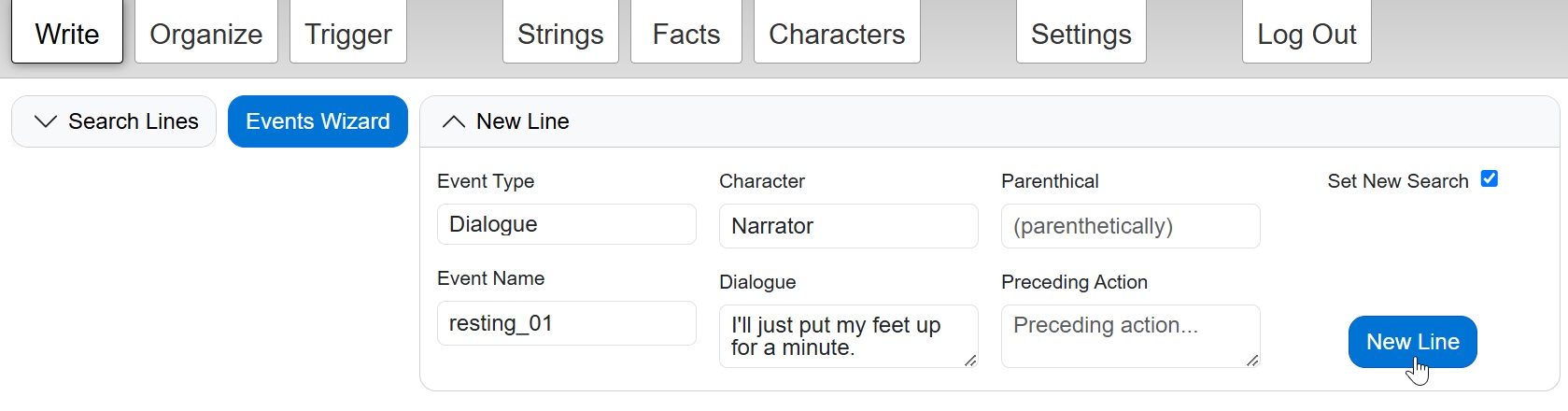
- On the Write page, add a new event by writing the first line of dialogue (see Adding New Events for different ways to add events).
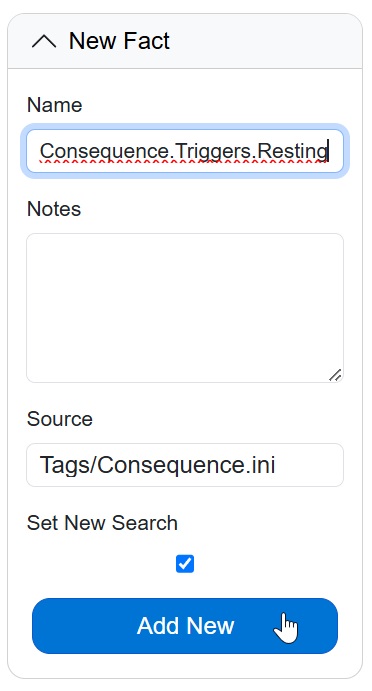
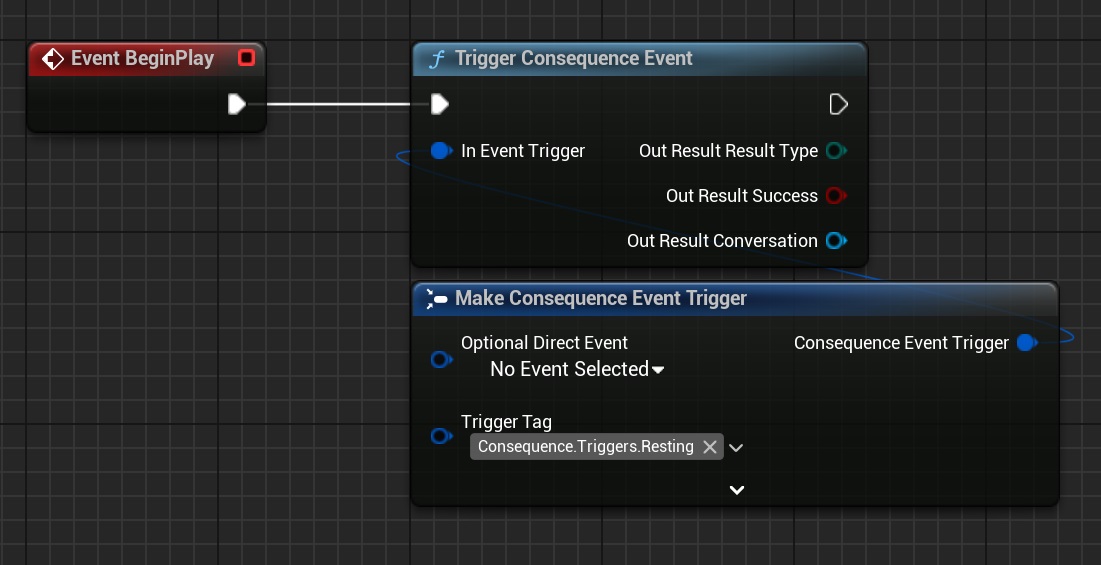
- Go to the Facts page and add a trigger gameplay tag starting with Consequence.Triggers. For example, Consequence.Triggers.Resting, which could be a trigger tag intended to look up and play the best valid conversation when the player sits down to rest.
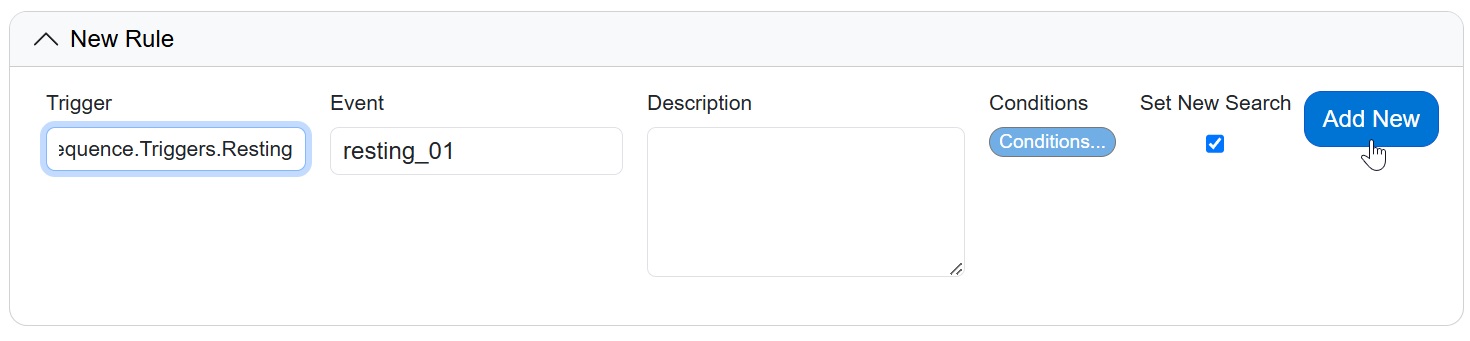
- On the Trigger tab, create a New Rule, connecting the trigger tag to the dialogue event.
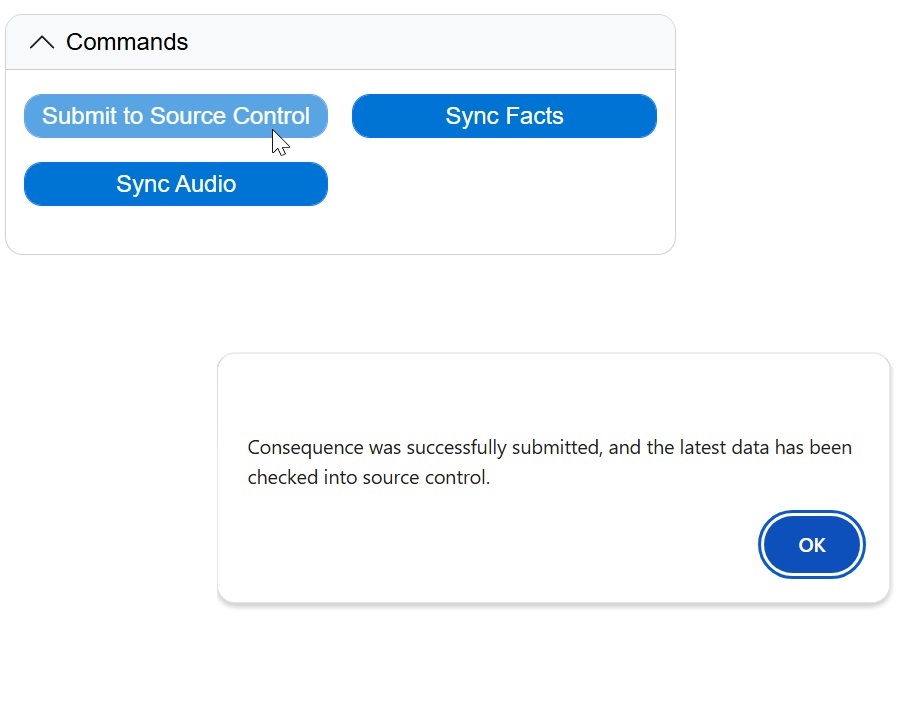
- In the Commands box on the current tab, click Submit to Source Control.
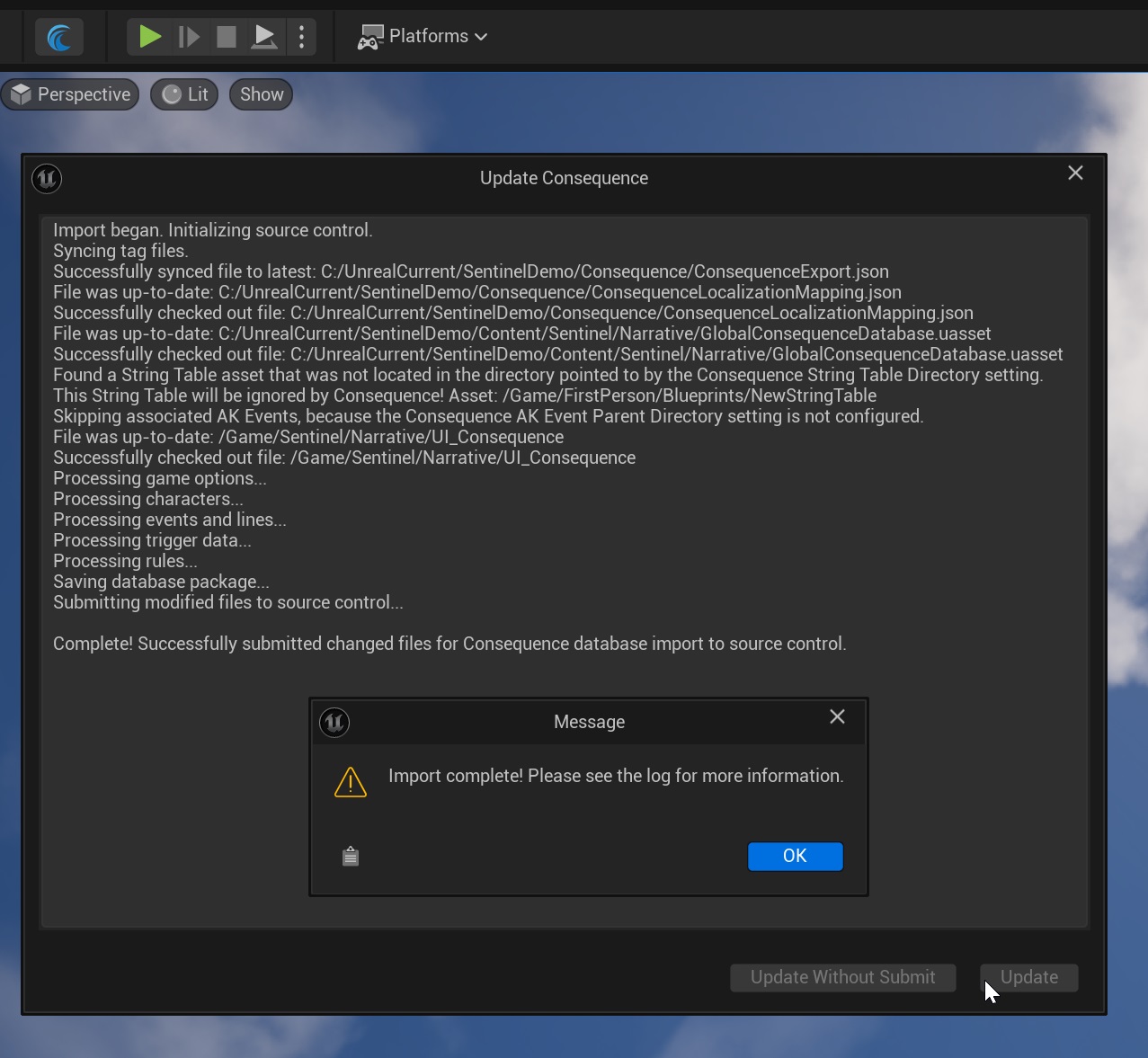
- In the Engine, open the Consequence window and click the Update button to update your Consequence data.
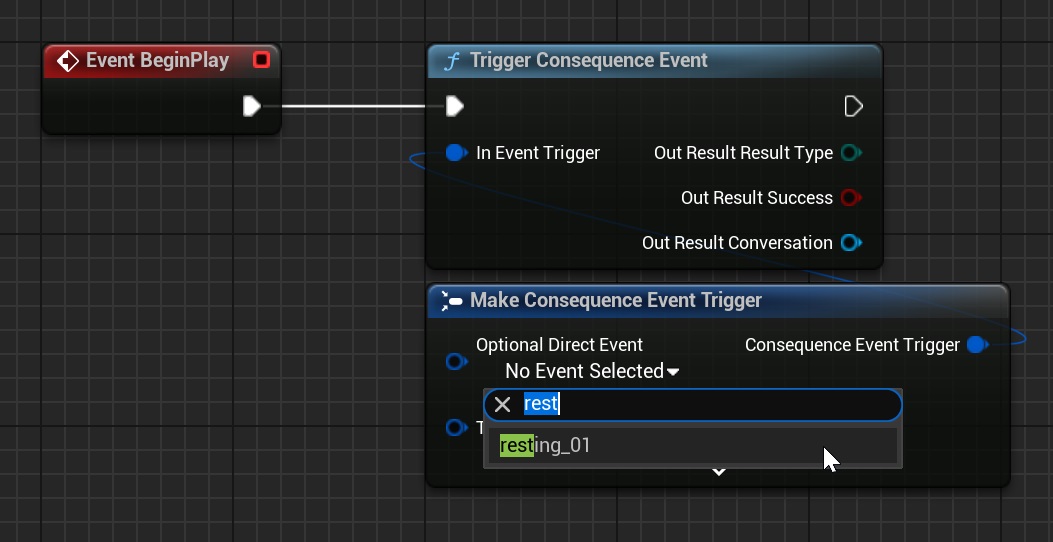
- You can now trigger your dialogue in-game! You can trigger events using their trigger tag - which allows Consequence to select the best valid dialogue for that trigger - or you can bypass the trigger lookup and play an event directly.
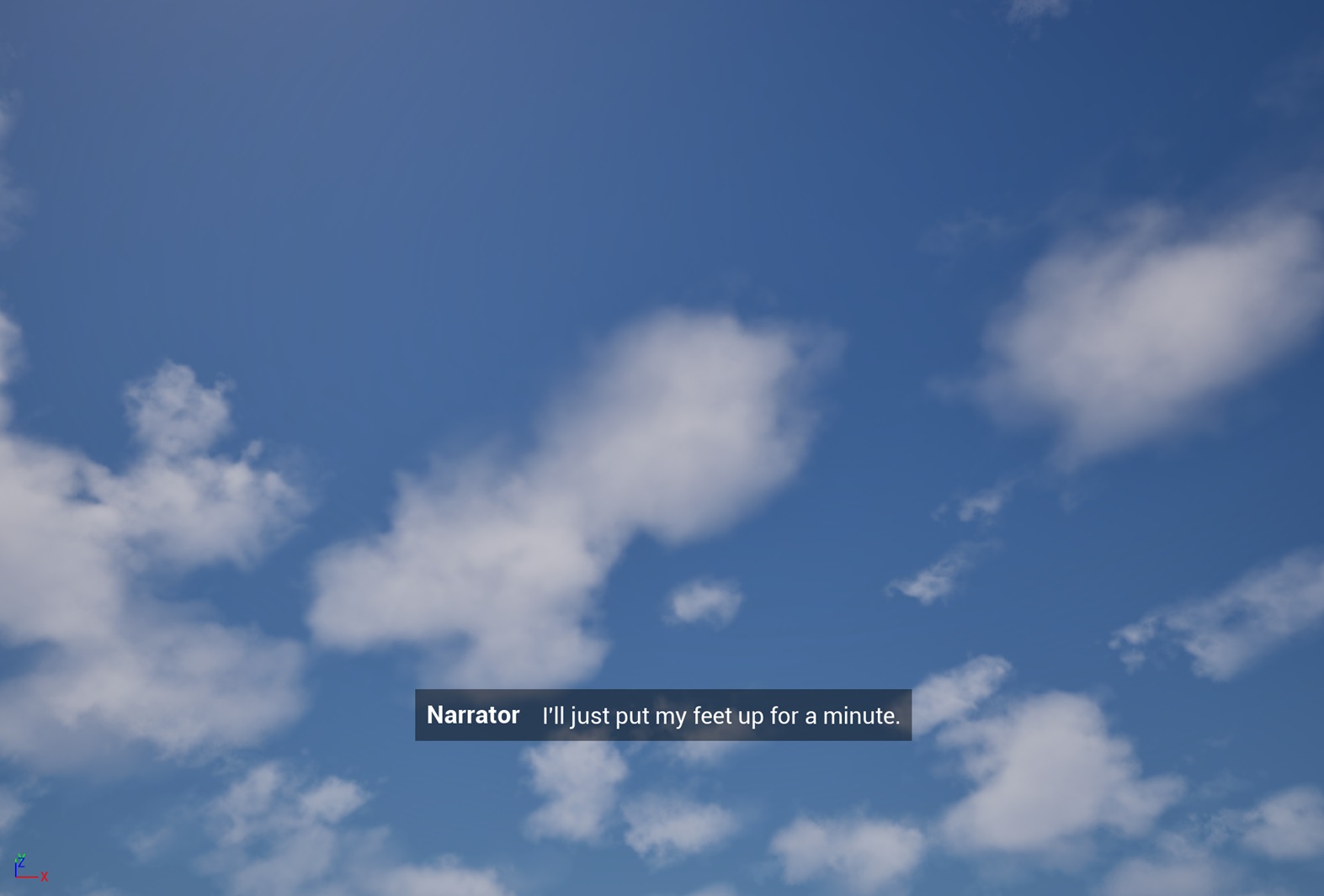
- The dialogue will now play in engine, displaying subtitles and triggering dialogue audio if it has been submitted to the engine.
Next Steps
You can now create your own project at Consequence.app, or continue to the Consequence documentation page for more detailed setup and authoring instructions.